You're parked outside the store with a 30-item batch waiting, and the Shopper app just froze on a white screen. Every minute you stare at it is a minute you're not earning.
If your Instacart Shopper app is not working, start with the boring fixes: check your connection, force close the app, update it, and restart your phone. Those four clear most glitches. If they don't, find out whether Instacart itself is having a problem before you delete anything.
The rest of this post covers the part a short answer skips: how to tell what kind of problem you have, the order that wastes the least time, the mistakes that cost you a batch, and what to say when you do contact support.
Instacart shopper not working: match the symptom before you fix anything
"Not working" covers a few different problems, and each one has a different first move. Reinstalling the app for a problem that was really a weak signal is how you lose twenty minutes.
| What you see | Likely cause | First move |
|---|---|---|
| App won't open or crashes right away | Old version, temporary glitch, low phone storage | Force close, update, restart phone |
| Spinner that never ends, or a blank screen | Weak or unstable connection | Switch between Wi-Fi and mobile data, turn off any VPN |
| Login code never arrives | Signal problem or a login issue on your account | Check signal, then use the login guide in the Instacart Help Center |
| App loads fine, but the batch list is empty | Often just a slow stretch in your area, not a bug | Refresh, wait, try again at a different time or zone |
| Everything is broken for everyone | Possible outage on Instacart's side | Check the Help Center for a banner, then wait |
That empty batch list deserves a second look. Batch availability changes by area and by time of day, so a list that loads but shows nothing usually isn't something a reinstall will fix.
The fix order that wastes the least time
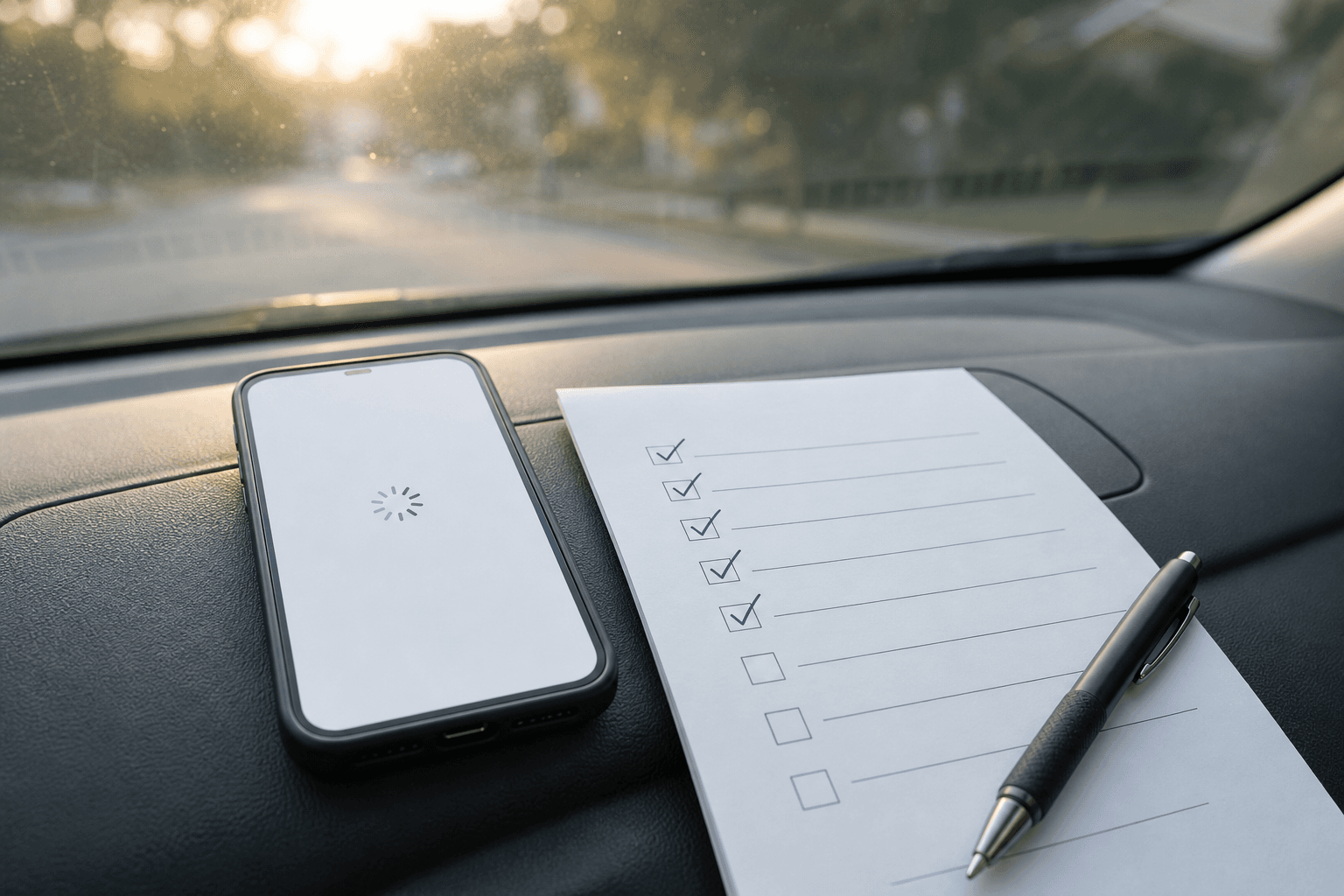
Work from the cheapest fix to the most annoying one. Each step takes a minute or less until you get to the end.
Check your connection. Switch from Wi-Fi to mobile data, or the other way around. Store Wi-Fi is often weak in the back of the building. If you run a VPN, turn it off and try again.
Force close the app completely (swipe it away from your recent apps), then reopen it.
Open the App Store or Google Play and check for an update. An outdated version is a common reason an app misbehaves.
Restart your phone.
On Android, clear the app's cache: Settings, Apps, Instacart Shopper, Storage, Clear Cache. iPhone doesn't have this option, which is why iPhone users get offered the "offload app" route instead.
Check the Instacart Help Center for an outage notice. Instacart says it posts a banner there when something on its end is affecting people.
Reinstall the app. Reinstalling is the last resort, not the first move.
Before step 7, make sure you can actually get back in. Instacart uses passwordless login, which means you'll need your phone number and a working signal to receive a code. Deleting the app in a basement parking garage with one bar is a bad plan.
A hypothetical Saturday morning, step by step
This is a made-up example to show the order of operations, not real pay or timing data.
It's 8:15 and you open the app at your usual spot. The batch screen spins and spins. Instead of tapping around, you go through the list.
You turn Wi-Fi off. The lot's Wi-Fi was the weak link, and mobile data has two bars. Still spinning.
You force close the app and reopen it. This time the screen loads, but there are no batches listed.
You pull down to refresh a couple of times. Nothing.
You check the Help Center on your phone. No outage banner.
You check your phone's App Store for updates. The app is current.
Now you've ruled out a connection problem, a stale app, and a broken screen. What's left looks like a quiet window in your zone. You don't reinstall. You wait ten minutes, or drive to a busier area and check again.
The point isn't the exact steps. It's that you spent about five minutes learning the app was fine, instead of fifteen rebuilding it.
Mistakes that cost you time (and sometimes a batch)
Reinstalling first is the big one. It feels productive, but it logs you out and sends you through login again, and that's the step that fails when your signal is bad.
Other common ones:
Ignoring a nearly full phone. Low storage can make apps crash or freeze, so clear some room before blaming Instacart.
Assuming it's you when it's an outage. If several shoppers are struggling at once, check the Help Center before you tear your phone apart. Outage trackers show user reports, but treat them as a hint, not confirmation.
Calling the general customer line for a shopper problem. The Shopper app has its own support, and that's the better first stop because it's set up for shopper issues like batch problems and account questions. The phone line is more of a backup when you can't get into the app at all.
Changing five things at once. If you toggle the VPN, update, restart, and reinstall in a row, you'll never know which one worked, and you won't know what to tell support.
When to contact support, and what to bring
If you've done the full list and the app still won't cooperate, or you can't log in at all, it's time to reach out. Instacart's Help Center has a login section (including a guide for text codes that don't arrive and one on resetting your passcode), so check there first if login is the problem.
When you do contact support, give them specifics instead of "the app is broken." Write down:
What screen you were on and what happened
Any error message, word for word, or a screenshot
The time it started
Your phone model and whether the app was updated
What you already tried
If the problem hit during an active batch and affected your delivery, say that plainly and early. Whether anything can be done about it depends on the situation and on Instacart's own policies, so check what the app tells you rather than assuming.
If you run ShopperX alongside the Instacart app
Some of you use an automation tool on top of the Instacart app, and that adds a second thing that can act up. ShopperBoost is the official distributor of ShopperX, an iPhone-only tool for US and Canadian shoppers that filters batches by your rules and accepts matches in the background. If you're on Android, it isn't an option.
A few troubleshooting facts are worth knowing. ShopperX needs an active internet connection, and both ShopperX and the Instacart app have to be open (not fully closed) for it to work. If it shows a "security validation" message or keeps asking you to restart, it usually means the two apps aren't in sync. Close all apps, open ShopperX and tap the engine, reopen it if the restart message appears, then open Instacart, go to the batch list and pull down to refresh twice, and go back to ShopperX. Do each step slowly so the sync has time to happen.
Weak signal and public Wi-Fi (cafes, malls, airports) are the usual culprits, so mobile data or a trusted private network is the safer bet. You can still accept any batch by hand in the Instacart app, and the filters only control what ShopperX accepts automatically. No automation tool can guarantee zero risk to your account, so decide that for yourself. New users can try it free for 5 days, and support is available through Telegram, email and live chat.
Quick answers to common questions
Why is the Instacart Shopper app not showing batches?
If the app loads but the list is empty, it's often a quiet stretch in your area rather than a technical fault. Refresh, check your connection, and try again later or in a different zone. If the screen itself won't load, work through the fix order above.
Why am I not getting my Instacart login code?
Start with the basics: check your signal and make sure the phone number is the right one. Instacart's Help Center has a login section with an article on text codes that don't arrive. If none of that works, contact support.
How do I know if Instacart is down?
Check the Instacart Help Center, where Instacart says it posts a banner when something on its end is affecting people. Outage tracking sites can show a spike in user reports, but they're not official confirmation.
Should I delete and reinstall the Shopper app?
Only after the quicker fixes fail. Make sure you can receive your login code first, since you'll have to sign in again.
Match the symptom first, then work from the cheapest fix to the most annoying one, and keep reinstalling for last. Most of the time you'll know within five minutes whether the problem is your phone, your signal, or Instacart.
This site is not affiliated with Instacart.