You switch carriers on Sunday night, toss the old SIM in a drawer, and Monday morning the Shopper app wants a code that's going to a phone you no longer have. Not a great way to start a shift.
To change your phone number as an Instacart shopper, open the Shopper app while you're still signed in, go to your account profile, edit the phone number, and confirm the new one with the verification code Instacart sends. That works only if you can still get into your account. If you've already lost the old number, Instacart has a separate secure form for that exact situation.
The rest of this covers how to tell which route you're on, the exact order to do things in, the slip-ups that lock people out, and a few habits that keep a number change from eating into your shift.
Why there are two different ways to change your number
Your phone number isn't just a contact detail. It's how Instacart confirms the person logging in is actually you, which is why changing it is treated like a security event.
Instacart's own shopper form spells out the split. If you still have access to the old number, you change it inside the app and you don't submit the form. The secure form is only for shoppers who have lost access to the number tied to their account.
The form also comes with a warning. It isn't for forgotten passwords, deactivated accounts, or other account problems, and if you send it for the wrong reason you won't get a reply. So picking the right route matters more than picking the fast one.
| Your situation | What to do |
|---|---|
| You have the old number and you're logged in | Change it in the app profile |
| You have the old number but you're logged out | Try to log back in with it first, then change it in the app |
| You lost access to the old number (lost phone, closed line, number gone) | Use Instacart's secure phone number change form for shoppers |
| Forgot password, deactivated, or another account issue | Not a phone number problem. Use the regular shopper support options in the app |
Most shoppers fall in the first row, and that one is quick.
How to change your phone number in the Shopper app
Do this before you get rid of the old number, not after. Menu labels shift between app versions, so if something below doesn't match your screen, look for the same idea under a slightly different name.
Make sure you're signed in to the Shopper app and that the old number still receives texts.
Have the new number active on a phone that can receive texts right now.
Open your account area in the app and go to your profile (shoppers commonly find it under Account, then Profile).
Tap your current phone number to edit it.
Enter the new number and confirm it with the verification code Instacart sends.
Save, then check that the new number shows on your profile.
Log out and back in once, while you're at home, to confirm the new number works.
That last step feels optional. It isn't. Finding out your login is broken is a lot better on your couch than in a store parking lot with a batch waiting.
Some shoppers in community threads say they had to remove a passkey or another extra sign-in method before the number would change. I couldn't confirm that on an official Instacart page, so treat it as something that might happen. If the app asks you to verify another way first, follow the prompt.
A walkthrough: switching carriers without losing your login
Here's a hypothetical, just to show the order of operations. Say you're moving to a new carrier on Saturday, and you want to be working again Sunday morning.
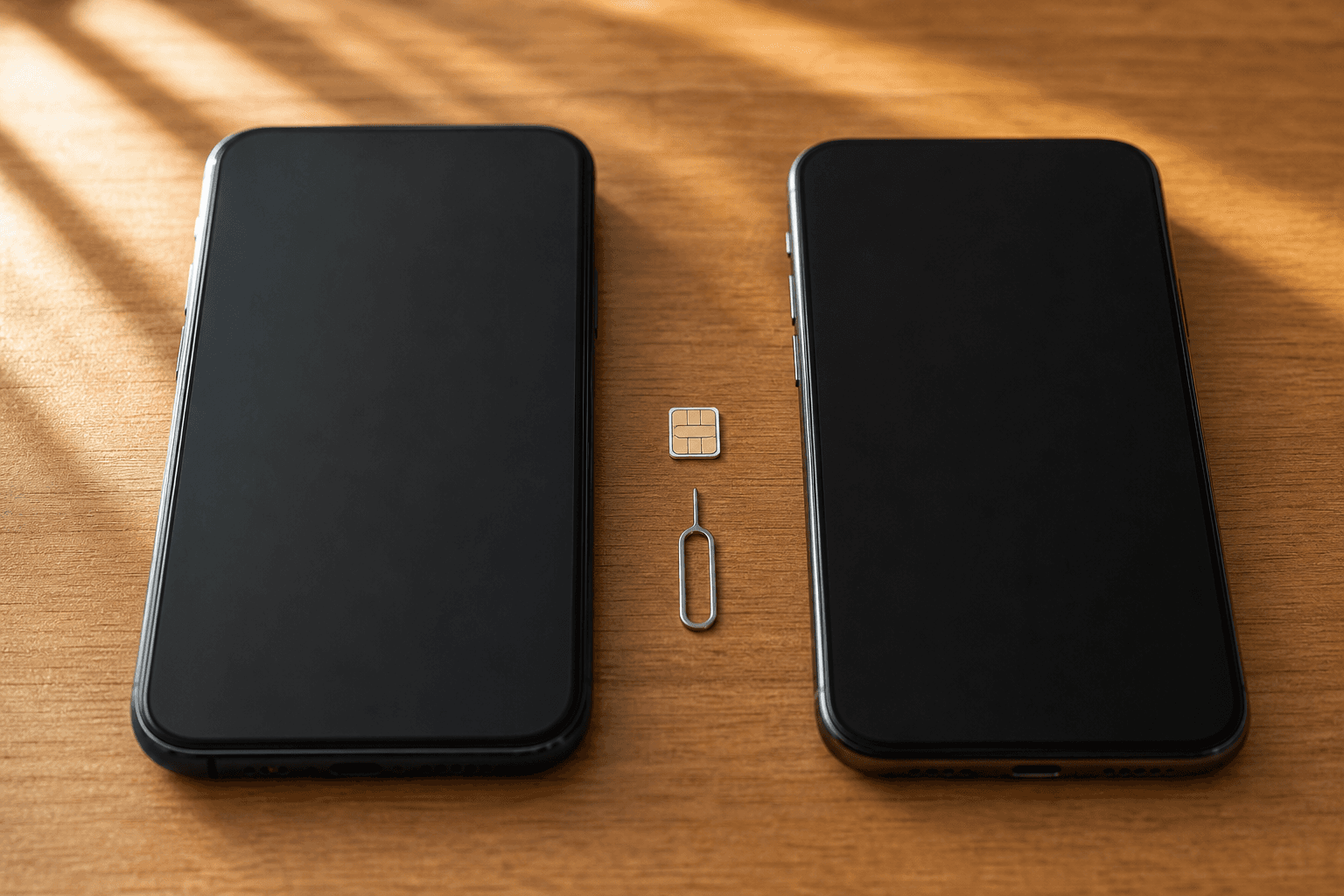
On Friday evening, you get the new number active, ideally while the old line is still on. Keep both SIMs, or both lines, working for a day or two if your carrier allows it.
Still on Friday, you open the Shopper app, go to your profile, and change the number. The code goes to the new number, you enter it, and you save.
Then you log out and back in. The code for that login should go to the new number. It does, you're in, and only now do you cancel the old line.
Compare that to the other order: cancel the old line first, then try to change the number. Now the app may want to verify the old number, you can't receive the code, and you've turned a two-minute task into a support ticket. The whole difference is whether you changed it while the old number still worked.
If you already lost the old number
Lost phone, stolen phone, number recycled by the carrier. It happens, and the fix is the secure form on the Instacart shopper site, the one built for shoppers who can't access their number anymore.
The form says it needs all the information it asks for to help you, so fill out every field and don't guess. Have your details ready before you start, and use the same name and info that's on your shopper account.
Two things to keep in mind:
Don't use it if you can still reach the old number. Instacart says to change it in the app instead.
Don't use it for a deactivated account or a forgotten password. You won't hear back.
How long a response takes isn't something I could verify, so don't plan your week around a specific turnaround. Check the form page and your email for updates.
There's also a different security form on the shopper site for people whose information changed and who can't log in. It says that submitting it automatically deactivates your account for safety. That's a heavier step, so don't pick it just because the name sounds close.
Mistakes that cost shoppers a day of batches
The most common mistake is canceling the old number before the change is confirmed. Everything else is smaller.
Typing the new number wrong and saving without checking it.
Changing it while on a weak signal, so the code arrives late or not at all.
Using the secure form when the in-app route was still available.
Forgetting that if you log in with Google or Facebook, those accounts hold some of your sign-in details, and Instacart's customer help pages say info for those logins has to be updated in Google or Facebook. I couldn't find the same note on a shopper-specific page, so check what your own login method asks for.
Changing the number right before you plan to work and then not testing it.
Do the change on a slow day, not a Sunday with a stack of big orders waiting for you.
Small habits that make the next change painless
Keep the same number for as long as you reasonably can. Plenty of shoppers port their number to a new carrier instead of getting a new one, and that sidesteps the whole problem. Ask your carrier about porting before you switch.
If you also use the Instacart Shopper Rewards card, its app is separate from the Shopper app. Its support page says you can update either your phone number or your email there, but not both at once. If you change your Shopper app number, check that other app too so the details match.
Write down how you sign in (phone code, Google, passkey) somewhere safe. When you're locked out, knowing which method you set up is half the fix.
Finally, change it on your schedule. A number change done calmly on a Tuesday afternoon costs nothing. The same change forced on you during a lunch rush costs you whatever you would have picked up in that window.
Where ShopperBoost fits in
A login problem is the kind of thing that makes you miss batches without you even noticing. ShopperBoost distributes ShopperX, an iPhone tool that filters batches by rules you set (minimum payment, maximum distance, stores) and accepts the ones that match, with the app running in the background.
It doesn't ask for your Instacart username or password, so changing your Instacart number isn't something you enter there. It does work alongside the Instacart app, and both need to be open, so after any account change, confirm you're signed in to Instacart before you rely on it. You can also still grab batches manually in the Instacart app. There's a free 5-day trial for new users, and results vary by market, hours, and filters. It's iPhone only.
Common questions
Can I change my Instacart shopper phone number without the old number?
Not in the app, since it needs to verify you. Instacart has a secure form on its shopper site for people who lost access to their number. Use it only for that reason.
Does changing my phone number affect my pay or my account standing?
I found nothing from Instacart saying a number update changes your pay or standing. Your payment details are a separate part of your account, so check them if anything looks off after the change.
Where do I update my number if I log in with Google or Facebook?
Instacart's customer help pages say information for those logins must be updated in the Google or Facebook account. For a shopper account, confirm what the app asks you for.
Is it a bad idea to change my number?
Not if you do it in the right order. One community thread is titled as a warning against it, but the real risk is losing the old number before the change is done, not the change itself.
Change your number while the old one still works, and test the login before you cancel anything. Do that and a new phone is a two-minute chore instead of a missed shift.
This site is not affiliated with Instacart.