You're parked outside the store with a 38-item order waiting, and the app throws up a selfie prompt that fails for the third time in a row. The batch timer is not going to wait for you.
When Instacart shopper verification is not working, it's almost always one of two things: a background check that's still pending, or a selfie and ID check that keeps rejecting your photo. They look similar but they get fixed in completely different ways. Figure out which one you're stuck on first, then work through the matching fixes below.
The short version won't tell you what to do while you wait, which mistakes make a stuck check worse, or when it's time to stop retrying and contact support. That's what the rest covers.
Which verification are you actually stuck on?
Instacart uses the word "verification" for a few separate things, and shoppers mix them up all the time.
Onboarding: you applied and your background check hasn't cleared, so your shopper account isn't active yet.
Identity checks: you're already shopping, and the app asks for a real-time selfie (and sometimes a photo of your driver's license) to confirm you're the person on the account.
Login problems: you can't get past sign-in, a code, or a passkey prompt, which is a different issue from a failed selfie.
Instacart has said publicly that it verifies shoppers at signup, checks identity again regularly with a live selfie matched against your government-issued driver's license, logs shoppers out periodically, and refreshes background checks over time. So a prompt that shows up out of nowhere on a Tuesday morning isn't automatically a sign something is wrong with your account. It's part of how the platform works.
If the background check is the holdup
New applicants have to pass criminal and motor vehicle record checks run by third-party partners, and Checkr is one Instacart names. Instacart also requires you to be 18 or older with a valid driver's license and a Social Security number.
How long it takes depends on how fast the counties and states you've lived in return records. Third-party guides commonly put it at roughly 3 to 10 business days, with some clearing faster and some running longer. Treat that as a rough range, not an Instacart promise. If you've lived in several states or have a very common name, expect the slow end.
Here's what you can do while you wait:
Log in to the Checkr candidate portal with the details you gave during your application. Checkr's own help page says that's where you check status.
Look at your email, including spam, for anything from Checkr or Instacart. A request for more information can sit unread for days.
Confirm your legal name, date of birth and address match your license. A typo here can stall everything.
If you're well past 10 business days and the portal shows nothing moving, contact Instacart through the support option in the app or Help Center.
If a report comes back flagged, you'll get a notice from Checkr or the other screening company. Instacart has a form for telling it about criminal charges a court already resolved, but it doesn't cover pending charges or driver's license problems, so read the letter you received before sending anything.
If the selfie or ID check keeps failing
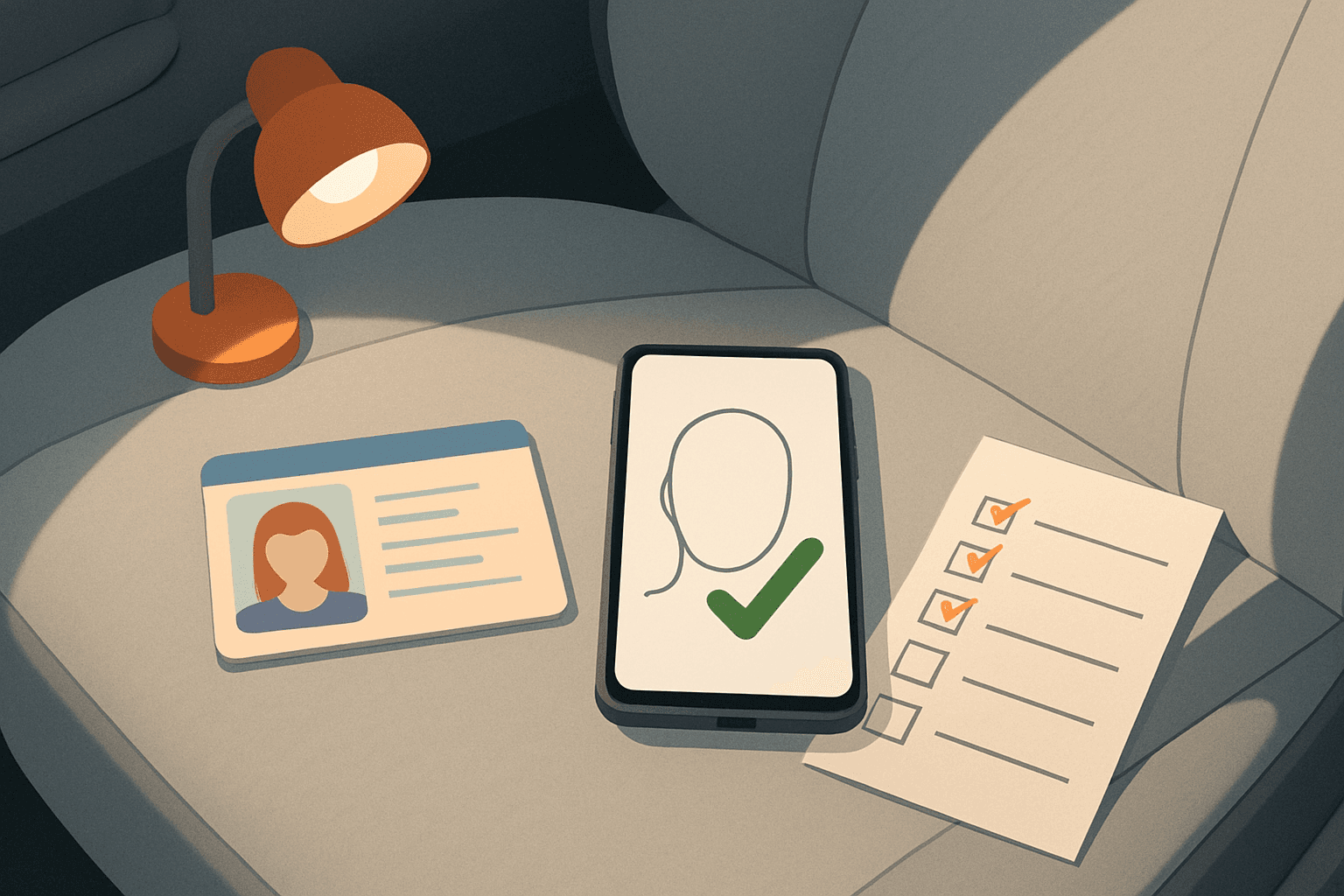
Instacart says it uses biometric screening to match your live selfie to your government-issued license. That means the photo has to be a clean, honest match, and the app has to be working properly to capture it.
Here's a hypothetical example, not real data. It's 7:40 a.m., you open the app to start your morning, and the selfie screen won't accept your face. You try again in the same dim kitchen with your phone tilted up under your chin.
Walk to a window or turn on an overhead light so your face is evenly lit, with no strong light behind you.
Take off your hat and sunglasses, and look straight into the camera at eye level.
Wipe the camera lens. It sounds silly, but a smudged lens is a common cause of blurry captures.
Check your phone settings and make sure the Instacart Shopper app is allowed to use the camera.
Turn off Bluetooth and disconnect from CarPlay or your car's system. Shoppers in community threads report these interfering with the camera flow, though that's anecdotal and not something Instacart has documented.
Force close the app, reopen it and try once more. If it still loops, update the app, or delete and reinstall it, then log back in.
Instacart's guidance is to submit the check from the device you plan to shop with, so don't borrow a friend's phone to get past it. And if your appearance has changed a lot since your license photo (new glasses, a beard, a different hair color), keep your face clear and well lit, since the match is against that ID.
Mistakes that turn a small glitch into a bigger one
The biggest one is retrying over and over without changing anything. If the first three attempts failed in bad lighting, the fourth will too, and you've just burned time you could have spent fixing the cause.
A few others cost shoppers more than they expect:
Having someone else take the selfie or hold the camera for you. Identity checks are there to confirm the account holder, and Instacart's privacy policy notes that suspected fraud can lead to automatic deactivation.
Using a VPN or a weak public connection mid-check, then blaming the app when the upload stalls.
Opening five support tickets about the same problem. One clear message with your email, phone model and what you tried gets further.
Trusting a random site or social media account that offers to "fast track" your verification. Nobody outside Instacart can approve you.
One more point for anyone running other tools on their iPhone. A message like "trouble validating your account security" inside a third-party app is not Instacart's identity check. Don't mix the two up when you contact support.
A quick troubleshooting table to save
| What you see | Likely cause | Try this first |
|---|---|---|
| Application says background check pending | Records still being pulled | Check the Checkr candidate portal and your email, then wait through about 10 business days |
| Background check flagged or needs info | Something in your records or a data mismatch | Read the notice from the screening company and respond to it |
| Selfie rejected repeatedly | Lighting, blur or camera angle | Move near a window, clean the lens, face the camera straight on |
| Camera won't open | Permissions or app glitch | Allow camera access, update the app, reinstall if needed |
| Check spins or never submits | Weak connection or stale session | Switch to stronger signal or a trusted network, then restart the app |
| Nothing works after all of this | Account-level issue | Contact Instacart support through the app or Help Center with details |
When to stop troubleshooting and contact support
Give the basic fixes one clean round. If the prompt still blocks you, go to in-app support or the Help Center. Features and menus change often and can differ by market, so check what the app offers you right now.
Write the message so someone can act on it. Include the email on your account, your phone model, the app version if you can see it, what error appears, and what you've already tried. Screenshots help if the error has a message.
Keep your expectations realistic. Response times vary, and some cases take days. If you're locked out of shopping in the meantime, that's frustrating, but repeated resubmissions rarely speed it up.
Where ShopperBoost fits in once you're verified
ShopperBoost distributes ShopperX, an iPhone tool for Instacart shoppers in the US and Canada that accepts batches automatically based on filters you set, like minimum pay, maximum distance and stores. It runs locally on your device and doesn't ask for your Instacart username or password, so it has nothing to do with your identity checks. You still do those yourself in the Instacart app.
It only matters once your account is active. And like any automation, no tool can guarantee zero risk to your account, and results depend on your market, hours and filter settings. There's a free 5-day trial for new users if you want to see how it works.
FAQ
How long does Instacart verification take?
For the background check, third-party guides usually say about 3 to 10 business days, but Instacart doesn't promise a fixed timeline. A selfie check should be quick, so if it fails repeatedly, the cause is usually your photo conditions or the app.
Why does Instacart keep asking me to verify my identity?
Instacart says it prompts shoppers for real-time identity checks regularly and logs them out periodically as security measures. Getting a prompt doesn't mean you did something wrong.
Can I use someone else's phone to finish verification?
Don't. Instacart's guidance is to complete the check on the device you shop with, and the check exists to confirm that you are the account holder.
What if my background check says it needs more information?
Look for a notice from Checkr or the other screening company, then respond with what they ask for. If the notice is about a resolved criminal charge, Instacart has a form for submitting it, but it doesn't cover pending charges or license problems.
Most verification trouble is a lighting problem, a permissions problem or a waiting problem, and you can sort out which in about ten minutes. If you've done one clean round of fixes and nothing changed, send support one detailed message instead of retrying all day.
This site is not affiliated with Instacart.